
With PowerAlerts for Lookalike Domains, PowerDMARC emails you every week when a new lookalike of your domain appears or an existing one changes, so you don't have to check the dashboard yourself.
Lookalike domains are look-alike versions of your domain (for example, typos or lookalike characters) that attackers register to impersonate your brand. The Lookalike Domain tool under Analysis Tools already lets you search for them on demand. This alert watches the same results for you and tells you only what is new or different since the last check.
Before You Start
You need two things in place before alerts can reach you:
An active PowerAlerts setup on your PowerDMARC account.
Lookalike Domain monitoring enabled for the domain you want to watch.
Alerts are sent to the email addresses configured in your PowerAlerts settings.
Turning On the Alert
- Log in to your PowerDMARC account.
- Open PowerAlerts.
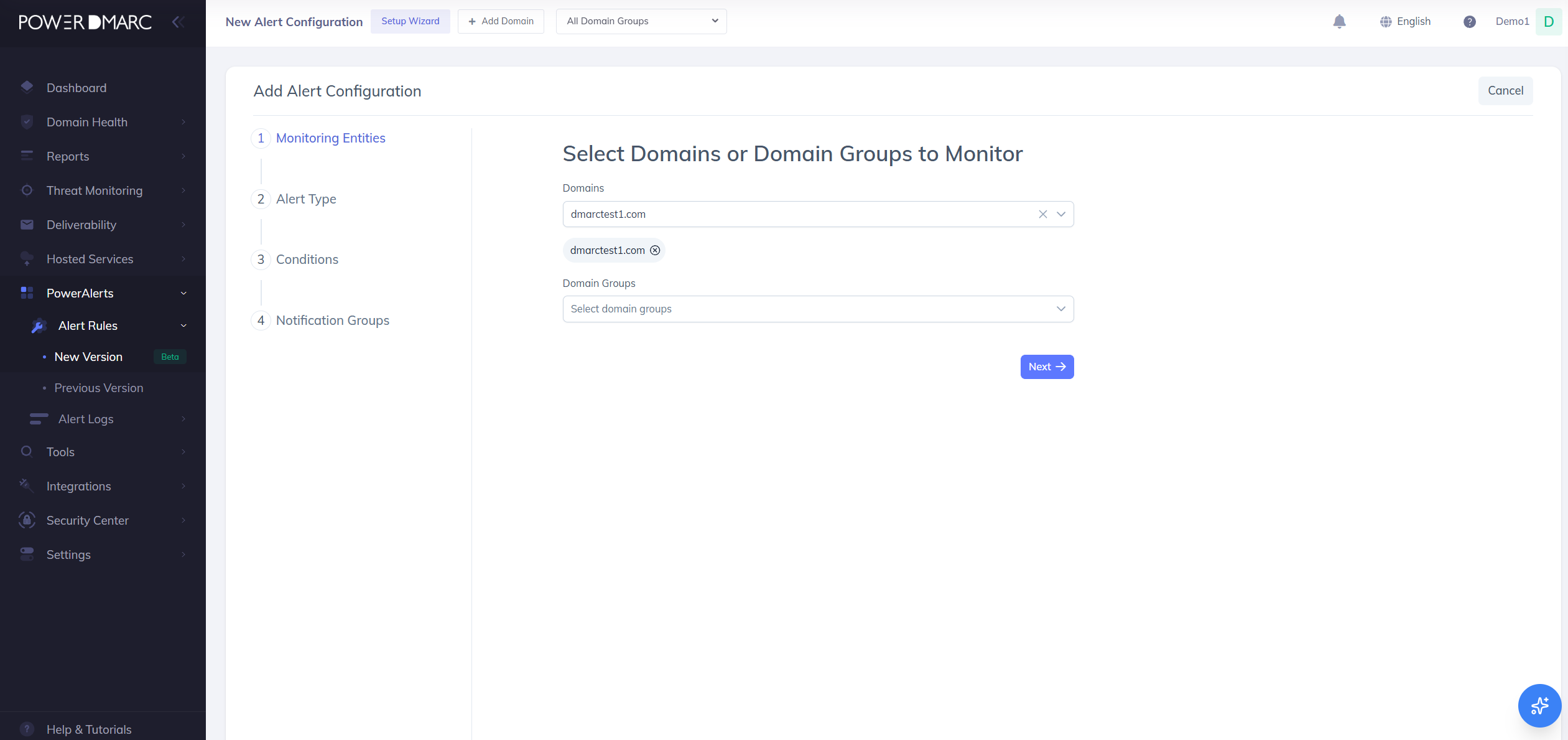
- Find the Lookalike Domains alert for the domain you want to monitor.
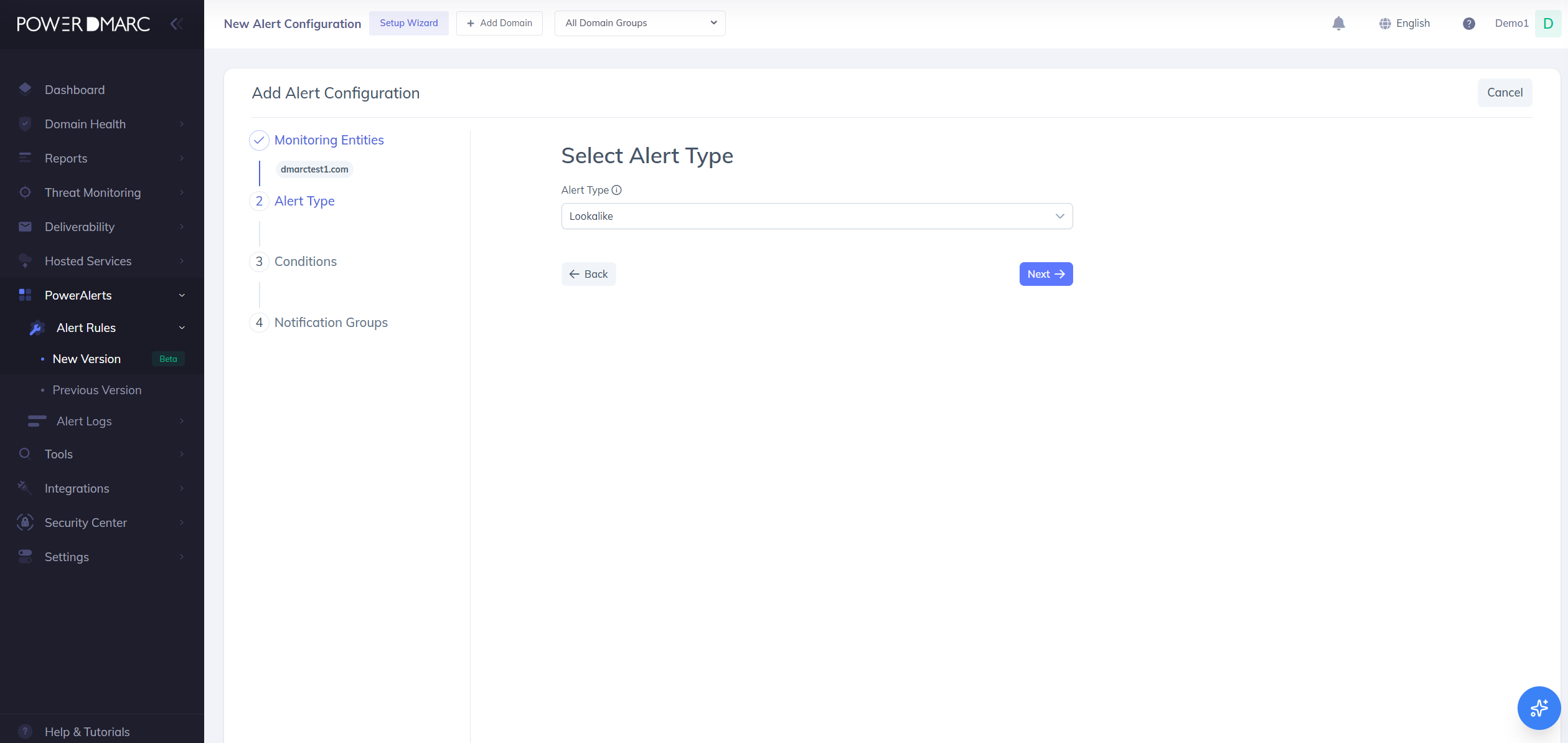
- Switch the alert On.
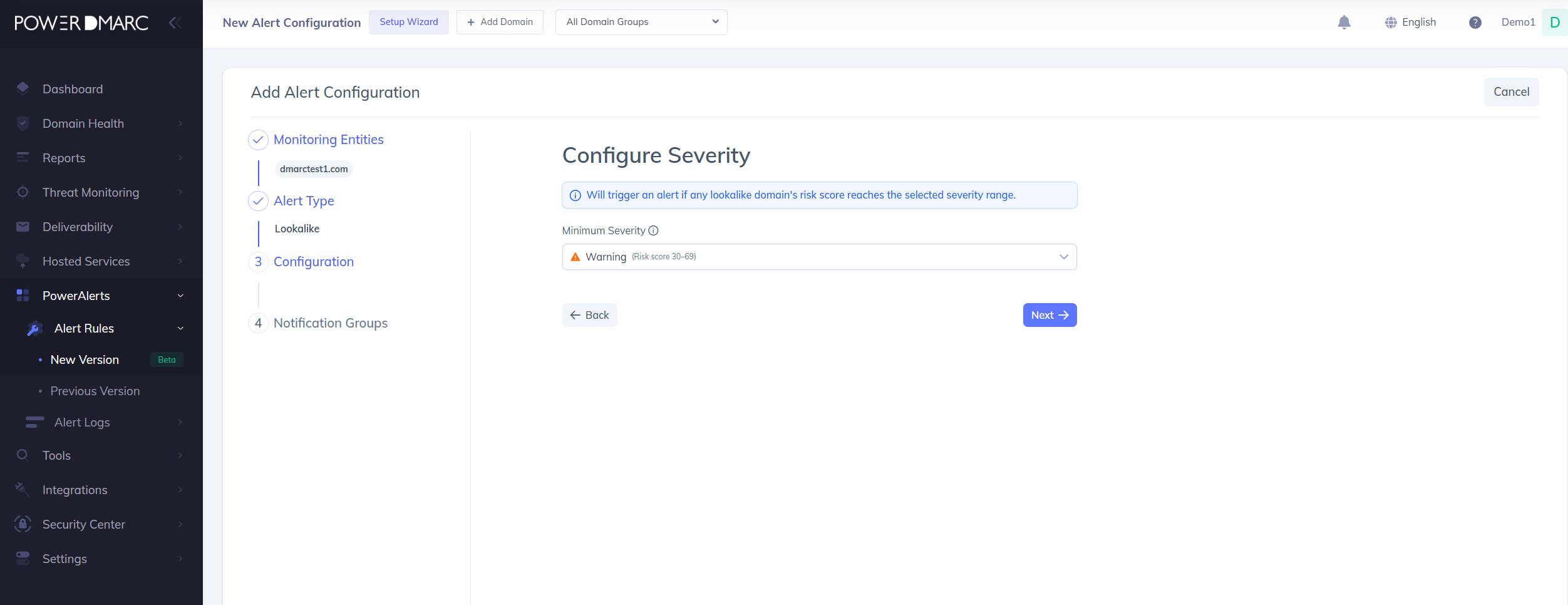
PowerDMARC immediately runs a first scan of your domain. This first scan is silent: you will not receive an email. It simply records the lookalike domains that exist today, so future scans have something to compare against.
You don't need to do anything else. Your first alert, if there is anything to report, arrives after the next weekly check.
How the Weekly Check Works
Once a week, PowerDMARC runs a fresh lookalike scan and compares it with the previous week's results. It looks for two kinds of change:
New: a lookalike domain that wasn't in the previous results.
Changed: a lookalike domain that was already known, but one of its details is different now.
A domain counts as changed if any of these details differ from last week:
If nothing is new or changed, no email is sent. After every check, the latest results become the comparison point for the next week, so you are never alerted twice about the same change.
Lookalike domains that disappear from the results are not reported.
Which Domains Trigger an Alert
Alerts only cover Medium and High risk lookalike domains. Low risk domains are not included in the email, but you can still see them any time under Analysis Tools → Lookalike Domain.
Reading the Alert Email
The alert uses the standard PowerAlerts email layout. (Screenshot placeholder: sample alert email) It lists only the Medium and High risk lookalike domains that are new or changed this week, and each one is labeled New or Changed.
An email shows a maximum of 5 lookalike domains. If more than 5 were found, the email lists the 5 with the highest risk score and adds a View all results in your portal link. That link takes you to Analysis Tools → Lookalike Domain in your account, where the full list is available.
The domains that didn't fit in the email are not carried over to next week's email, so open the portal to review them.