Overview
The Smart Policy Advisor takes the guesswork out of DMARC enforcement. It analyses each domain's authentication health, including compliance trends, fail traffic ratios, and active anomalies, and tells you exactly where your policy should be, why, and what is blocking any change.
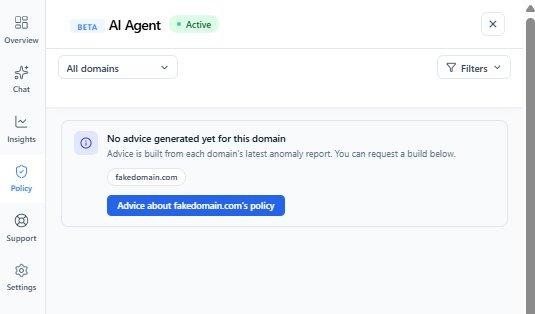
To generate advice, open the Policy tab inside the AI Agent and click the Advice button for any domain. You can run it for a single domain or across all enabled domains. Every recommendation is clearly labelled as AI-generated.
Why this matters: Moving to p=quarantine or p=reject too early can disrupt legitimate email. The Smart Policy Advisor gives you a data-backed readiness check so you can enforce with confidence — and know precisely which issues to resolve before you do.
Reading a recommendation
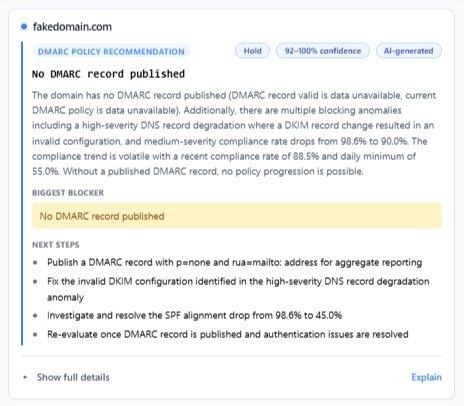
Once advice is generated, the summary card shows everything you need to make a decision:
Full domain details
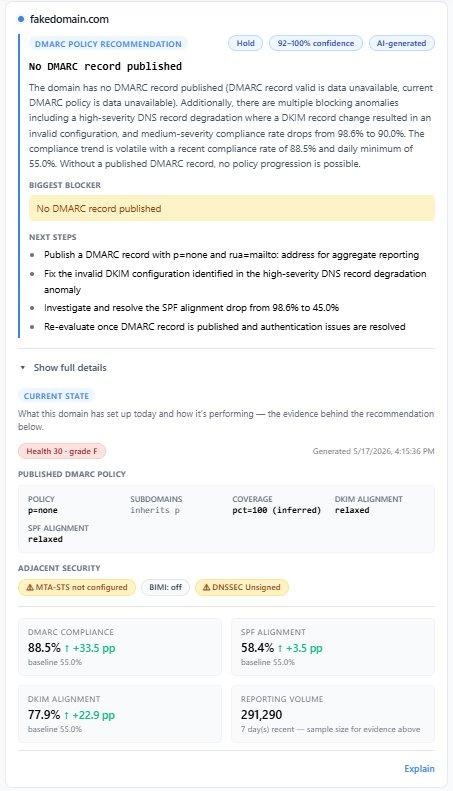
Click Show full details to expand the complete domain assessment: health score and grade, published DMARC policy, SPF/DKIM/DMARC compliance versus baseline, reporting volume, and adjacent security status including MTA-STS, BIMI, and DNSSEC:
Getting a full explanation in chat
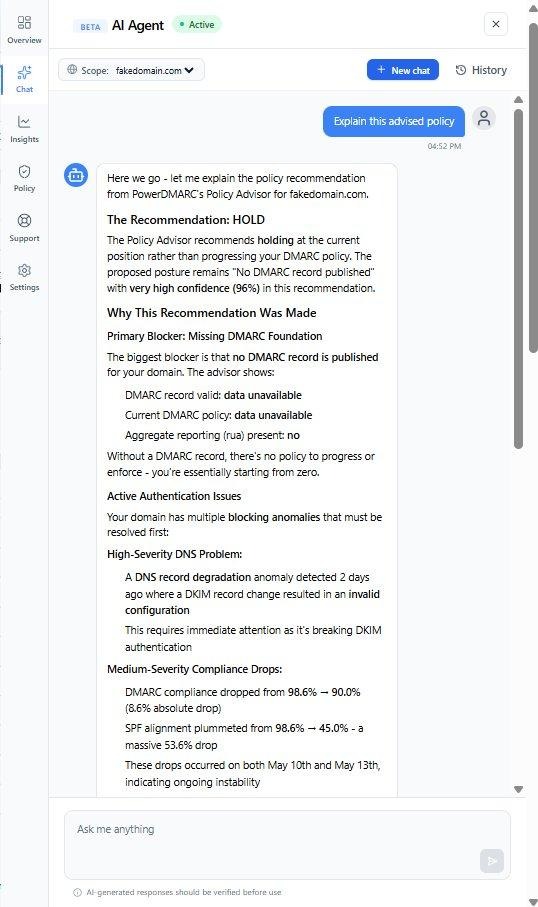
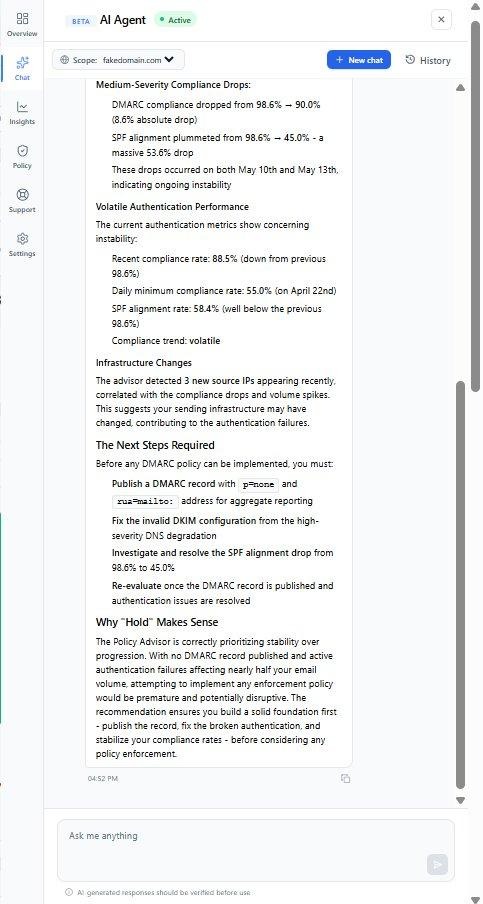
Click Explain on any recommendation and the Chat tab opens with the full AI reasoning already loaded, covering why the recommendation was made, what data was used, what is blocking any change, and exactly what to do next: